Course List and Create a Course
This feature is for SA, ML, MA
Watch (about 50 s):
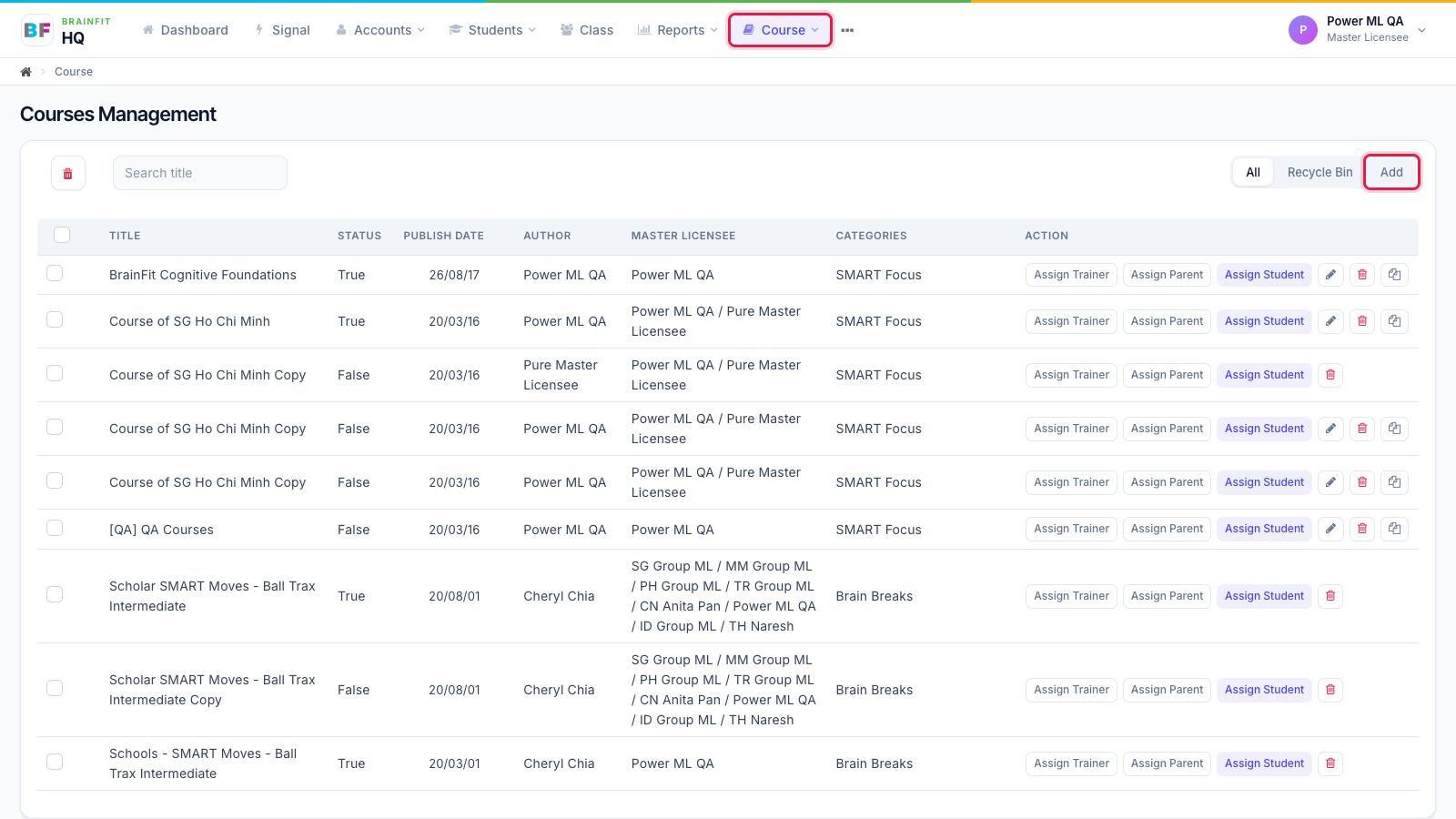
- Open Course in the top menu. The list shows each course's status, publish date, author, master licensee(s) and categories. Click Add at the top right to create a new course.
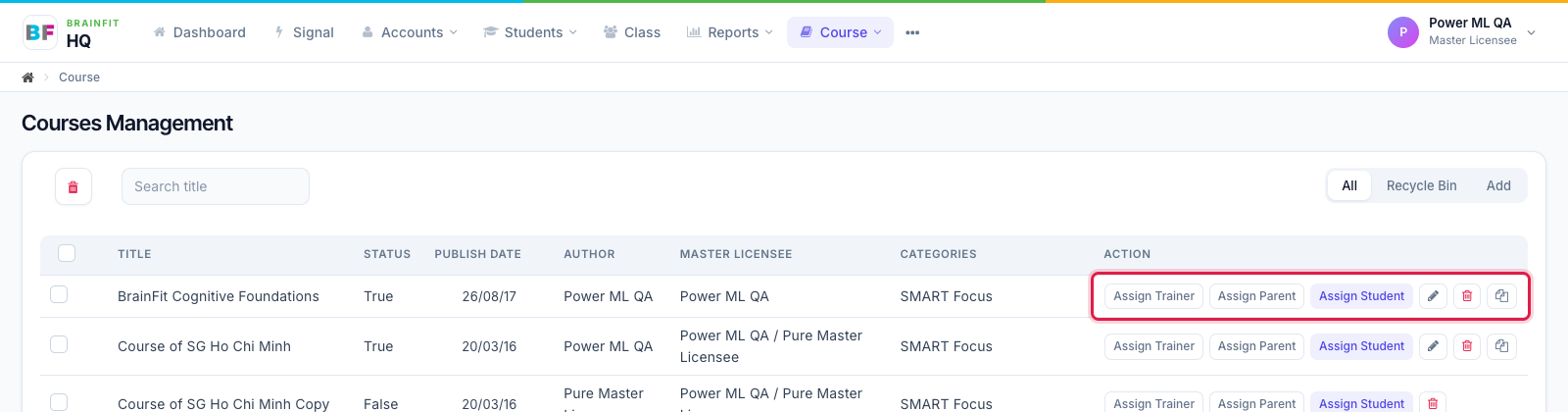
- Each row has its actions: Assign Trainer / Parent / Student, Edit (pencil), Delete, and Duplicate (clone).
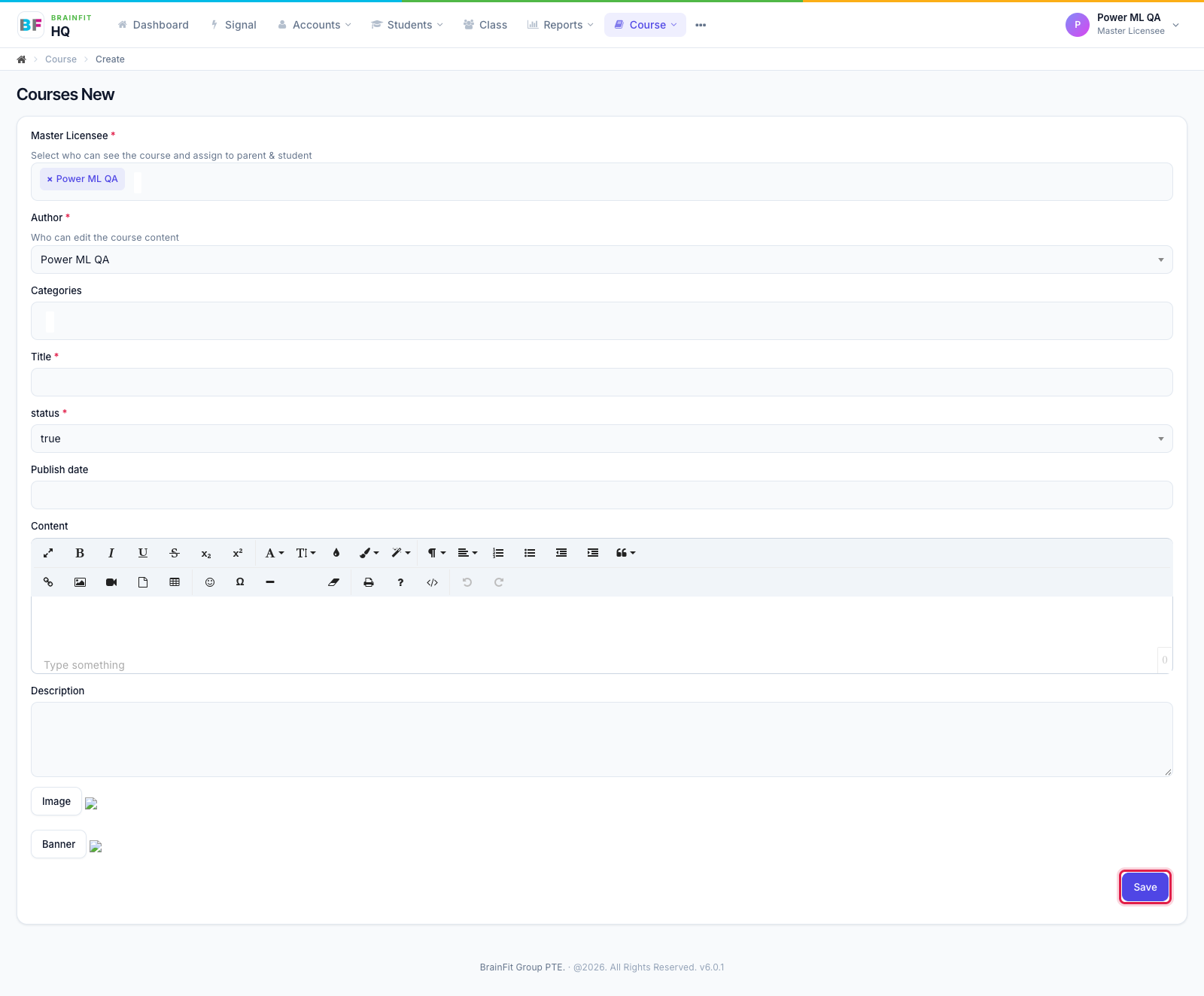
- In the new course form, choose the Master Licensee (who can see the course and assign it), the Author (who can edit its content), categories, title, status, publish date, content, description, image and banner, then click Save. Topics and resources are added after the course is saved, on its edit page.